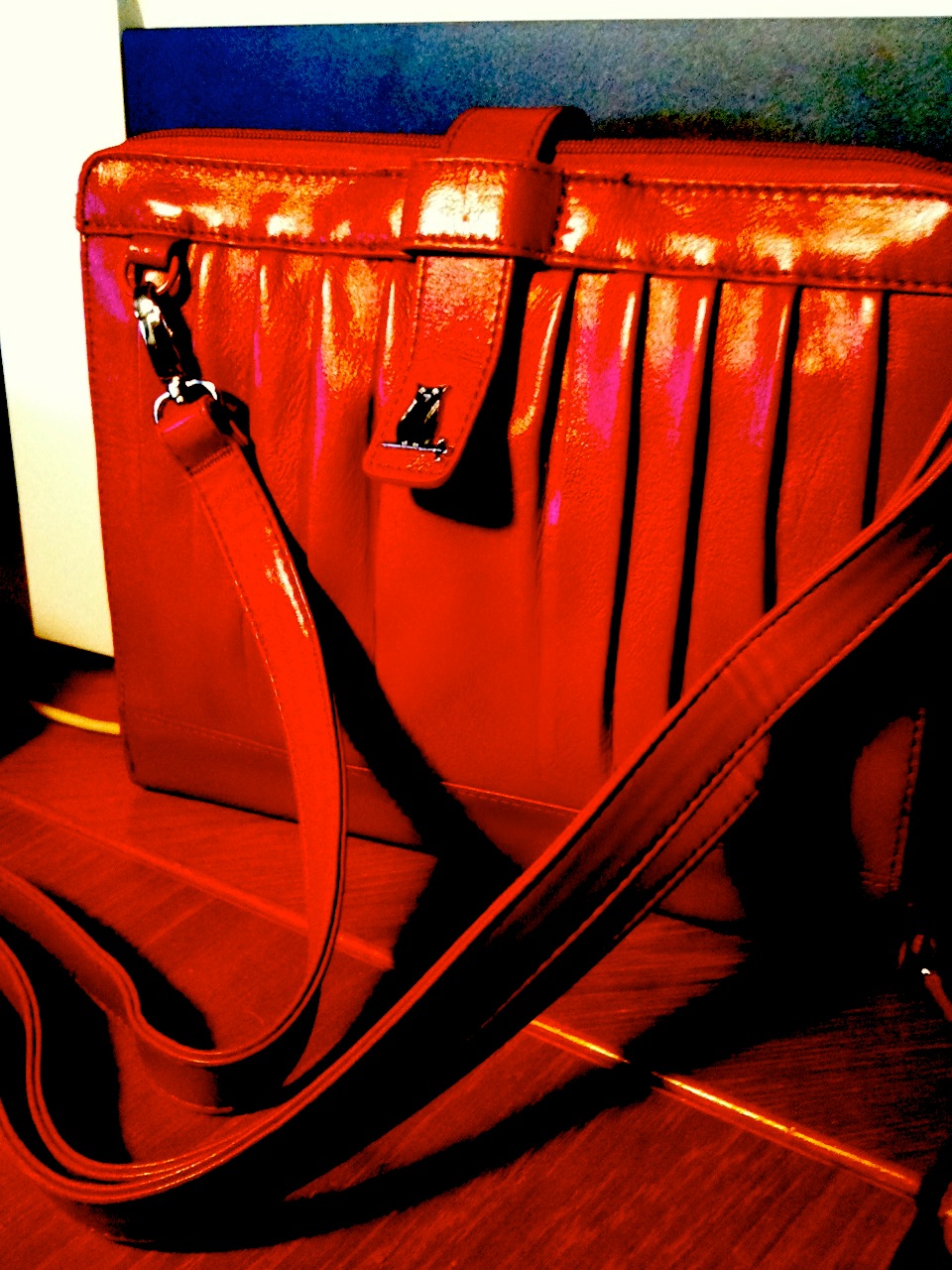
I had mentioned in an early blog, that I would possibly be making some sort of case for my new iPad 2 and posting the photos of the case here in the future. After scouring the internet for cases that would work for my needs, I ran across the
Happy Owl Studio Site.
This site offers a variety of cases for the original iPad. One of the cases
The Clutch in Red, caught my attention. With the recommendations from members on the Yahoo iPad Forum, I decided to order one. My iPad 2
does fit effectively in the opening and the front facing camera is accessible, as well as the volume control, sleep button, microphone/earphone jack and USB connection for charging and syncing. The only feature that is not readily accessible without removing the iPad from the case is the rear facing camera. I suspect that with a leather punch tool that is in my husband's toolbox in the garage I could remedy that accessibility. Presently, I take videos and camera shots by using my iPhone and very seldom use the iPad 2 for that purpose. If I need to take a photo or video with my iPad 2, I will remove it from the case.
The case had that weird leather smell that is usually present after purchasing a new car that has leather seats. That smell has dissipated. The red leather is a
nice quality, the adjustable strap attaches to the clutch with silver fasteners that are easy to connect and disconnect. The clutch folds in various ways to
provide landscape, portrait and slight incline for typing modes for use with the iPad 2. The inside of the case that faces next to the exposed iPad screen is made of a
nice soft red felt like material and proves to provide adequate protection against scratches. There is a
zipper compartment that expands and provides
slots for credit cards, a pocket for an iPhone without a case, a loop for pen, another center zippered compartment and two side sections. (My iPhone in its red leather case doesn't fit, but there is room for the iPhone inside the side sections of that zippered compartment.)
Overall it is a compact, attractive case that serves as a protective case, versatile stand, that contains a place to keep cords, pen, iPhone, credit cards and headset and possibly a folding bluetooth keyboard. You can use it as a clutch or with the adjustable strap can sling it over your shoulder.
I was so pleased that I ordered a third one in black. I also ordered one in the turquoise leather color for my daughter, who will use it for the original iPad that I will be giving to her.
This same company offers The Wallet in Black or Brown, which is a nice alternative for men who want a stylish case that offers a zippered compartment for accessories and a case that has stand options. They also are expecting a case that will be specifically for the iPad 2.